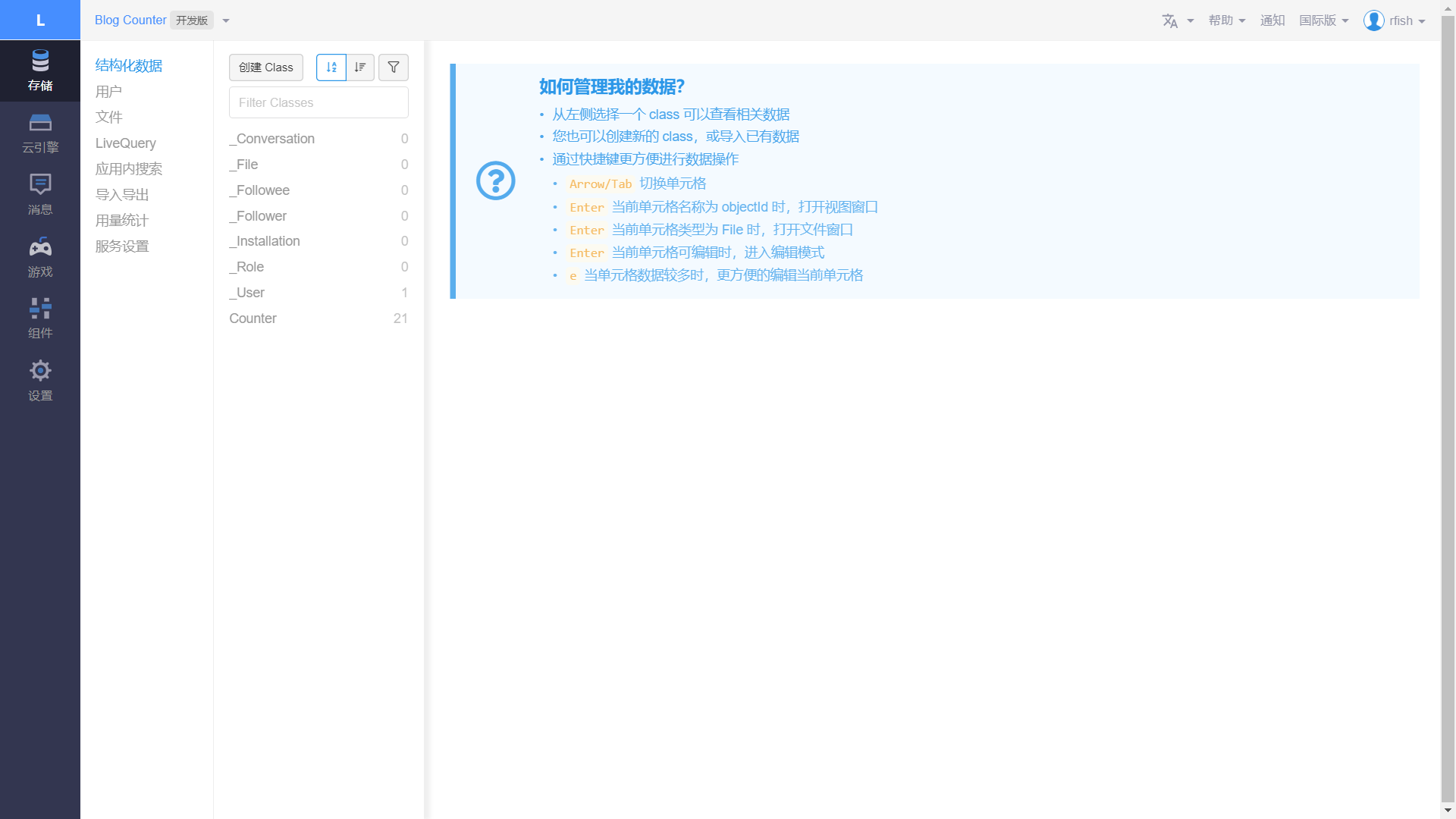
博客阅读量与评论设置流程。
LeanCloud
LeanCloud是针对移动应用的一站式云端服务,为应用开发者提供工具和平台。提供包括LeanStorage 数据存储、LeanMessage 通信服务、LeanAnalytics 统计分析、LeanModules 拓展模块等四大类型的后端云服务。
阅读量
LeanCloud配置
创建应用,在“存储”分页中,创建“Counter” Class,ACL权限为“无限制”。
在“设置”分页的“应用 Keys”中,获得AppID与AppKey。
在“安全中心”中,添加博客对应的Web安全域名。
Next配置
配置NexT主题的_config.yml。以启用LeanCloud阅读量计数并先暂时关闭Hexo针对阅读量的安全插件。
1 | leancloud_visitors: |
配置完成后,将博客重新部署。
修复 LeanCloud 统计插件安全漏洞
要求NexT版本在v6.06以上。
云引擎部署
“云引擎”处进行“部署”以保证访客数量不被随意篡改,选择“在线编辑”。
创建函数,选择“Hook”类型,并选择“beforeUpdate”,类则选择之前创建的“Counter”类。复制以下代码并保存。
1 | var query = new AV.Query("Counter"); |
点击“部署”。
NexT配置
配置NexT主题的_config.yml。
1 | leancloud_visitors: |
由于 LeanCloud 免费版的云引擎存在请求线程数和运行时间限制以及休眠机制,很多时候访客数量加载会很慢。如果设置“betterPerformance”为 true,则网页则会在提交请求之前直接显示访客人数为查询到的人数+1,以增加用户体验。
安装
1 | npm install hexo-leancloud-counter-security |
Hexo配置
配置Hexo的_config.yml。
1 | leancloud_counter_security: |
键入以下命令。
1 | hexo lc-counter r <<username>> <<password>> |
配置Hexo的_config.yml刚刚设置的用户名和密码(不必与 LeanCloud 的账号相同)。
1 | leancloud_counter_security: |
在“deploy”添加:
1 | deploy: |
LeanCloud配置
在LeanCloud中检查当前应用的_User类中是否出现一条用户名(上面所设置的)的记录。
设置Counter类权限,将add_fields与create权限设置为指定用户,用户为上面所设置的用户。设置delete权限为指定用户,用户为空。至此权限设置已经完成,数据库记录只能在本地增删。
每次运行 hexo d 部署的时候,插件都会扫描本地 source/_posts 下的文章并与数据库对比,然后在数据库创建没有录入数据库的文章记录。
Error: Cannot find module ‘babel-runtime/regenerator’
解决方法:键入以下命令。
1 | npm install babel-runtime |
评论
Valine
Valine 诞生于2017年8月7日,是一款基于LeanCloud的快速、简洁且高效的无后端评论系统。
理论上支持但不限于静态博客,目前已有Hexo、Jekyll、Typecho、Hugo、Ghost等博客程序在使用Valine。
CleanCloud配置
创建新的引用,“Comment” Class,ACL为无限制。
在“服务开关”中,只勾选使用“数据存储”。
在“安全域名”中添加域名。
NexT配置
在NexT主题的_config.yml中。
1 | valine: |
邮箱提醒
有新评论时,会发邮件提醒。
修改NexT主题_config.yml中的valine。
1 | valine: |
在LeanCloud中,选择“设置邮件模板”,并修改“用于重置密码的邮件”。
1 | 你在{{appname}} 的评论收到了新的回复 |
修改valine的CDN:next/layout/_third-party/comments/valine.swig,提高加载速度。
1 | {%- set valine_uri = theme.vendors.valine | default('//cdn.jsdelivr.net/npm/valine/dist/Valine.min.js') %} |
Reference
- https://notes.doublemine.me/2015-10-21-%E4%B8%BANexT%E4%B8%BB%E9%A2%98%E6%B7%BB%E5%8A%A0%E6%96%87%E7%AB%A0%E9%98%85%E8%AF%BB%E9%87%8F%E7%BB%9F%E8%AE%A1%E5%8A%9F%E8%83%BD.html#%E9%85%8D%E7%BD%AELeanCloud
- https://www.liaofuzhan.com/posts/554801533.html
- https://github.com/theme-next/hexo-leancloud-counter-security
- https://github.com/theme-next/hexo-theme-next/blob/master/docs/zh-CN/LEANCLOUD-COUNTER-SECURITY.md
- https://www.jianshu.com/p/728a9594bb6c
- https://valine.js.org/index.html