Github+Git+Hexo+NexT+Markdown
Set Up
Detail
Github
一个面向开源及私有软件项目的托管平台,只支持Git。
在Github上注册用户,并新建repository(username.github.io)。
Git
一款免费、开源的分布式版本控制系统。
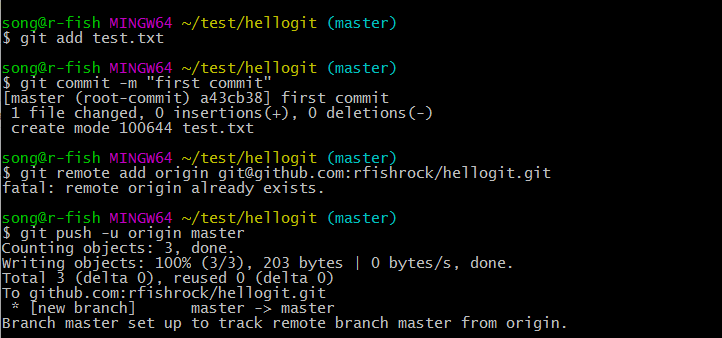
在站点目录(本地blog文件夹)右键Git Bash here。
1 | $ git init //初始一个Git仓库 |
配置SSH Keys。
1 | $ ssh-keygen -t rsa -C youremail@example.com //生成SSH Key |
将公钥文件中内容复制到Github账号的SSH Key中。
1 | $ ssh git@github.com //检查是否连接 |
后面操作大部分在Git上执行。
Hexo
一个简单、快速、强大的博客发布工具,支持Markdown格式。
1 | $ npm install -g hexo //安装Hexo |
修改站点(blog文件夹)配置文件(_config.yml)。
1 | deploy: |
继续Hexo部署。
1 | $ npm install hexo-deployer-git --save //安装hexo-deployer-git |
静态博客基本搭成。
NexT
精于心,简于形。一个好看的Hexo博客主题,iissnan/hexo-theme-next
1 | $ cd your-hexo-site //进入你的站点目录 |
修改站点配置文件。
1 | theme: next |
关于NexT主题配置等可以查看NexT使用文档。
Markdown
一种可以使用普通文本编辑器编写的标记语言,通过简单的标记语法,它可以使普通文本内容具有一定的格式。
Hexo新建文章:在your-hexo-site/source/_posts目录下新建.md文件。
Problems and Solutions
安装Hexo问题
注意Node.js与Hexo版本是否相符。
win10系统版本问题
因win10版本以及Hexo版本问题,在执行命令与站点配置文件修改上面都有些许不同,应根据自己的情况加以调整(此篇blog皆为本机的处理情况)。
404问题
最需要注意的是自己账号(username)是否与repository的username.github.io相符。
远程博客与本地查看不相符,出现乱码问题
根据分析此问题应该出在Github远程网页更新上,如果本地查看博客网页没有出现错误,就需要等待时间刷新网页之后恢复正常。
Markdown语法问题
要注意所有的标记符号后一定要空格。
Addition
克隆远程仓库和提交申请
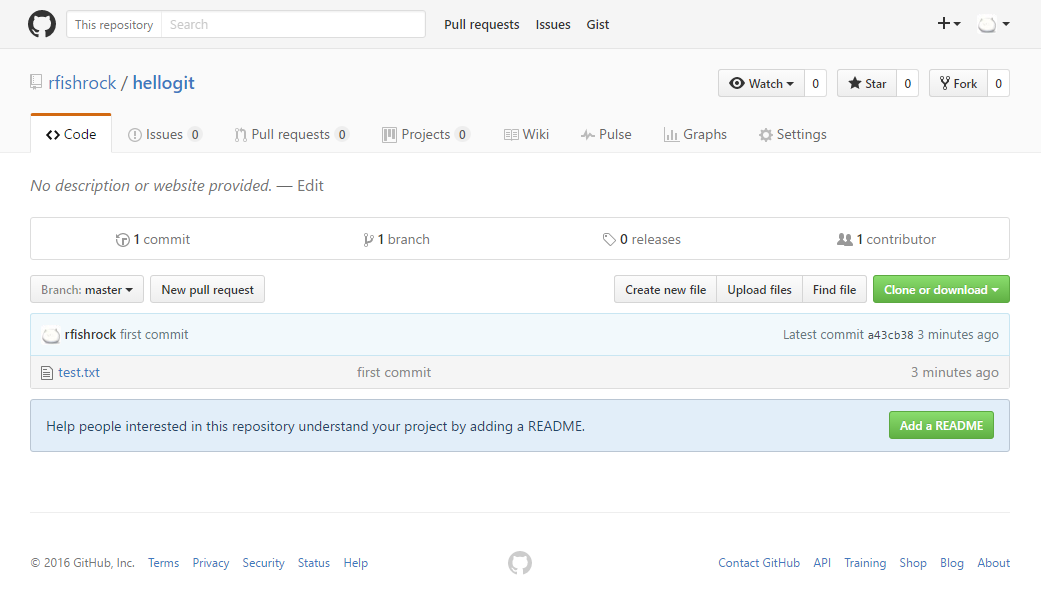
1 | $ git clone git@github.com:username/hellogit.git |

1 | $ git add yourfile |